
Look inside your archives
Archy opens zip, 7z and tar backups like a normal folder. See every photo, play a video, read a document and copy out only what you need. Nothing you look at is unpacked to your disk.
Every file, the way it is meant to look
Click a file in the archive and Archy shows it in the preview pane, made in memory. Pick a kind of file to see how it looks.
Every photo as a thumbnail
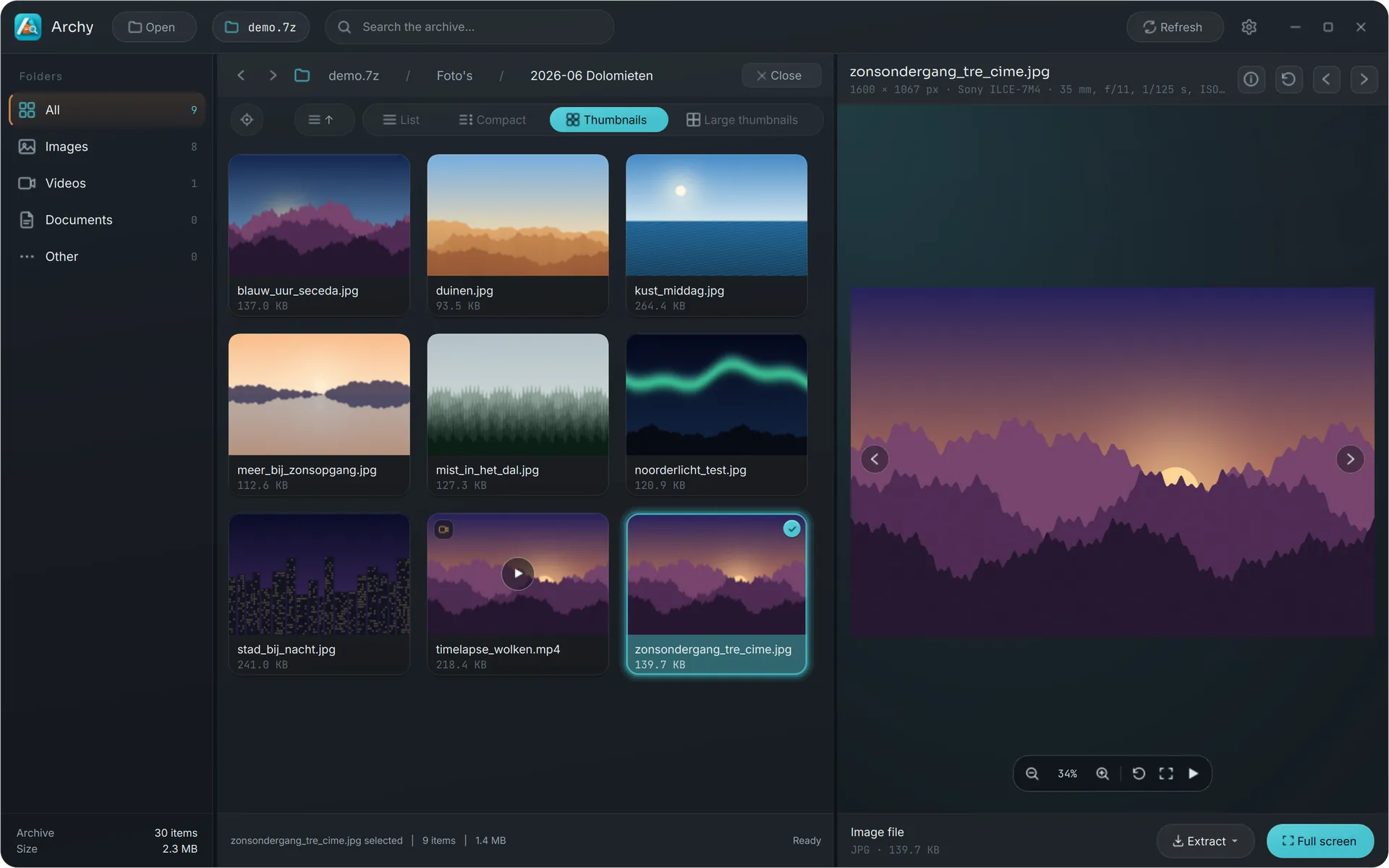
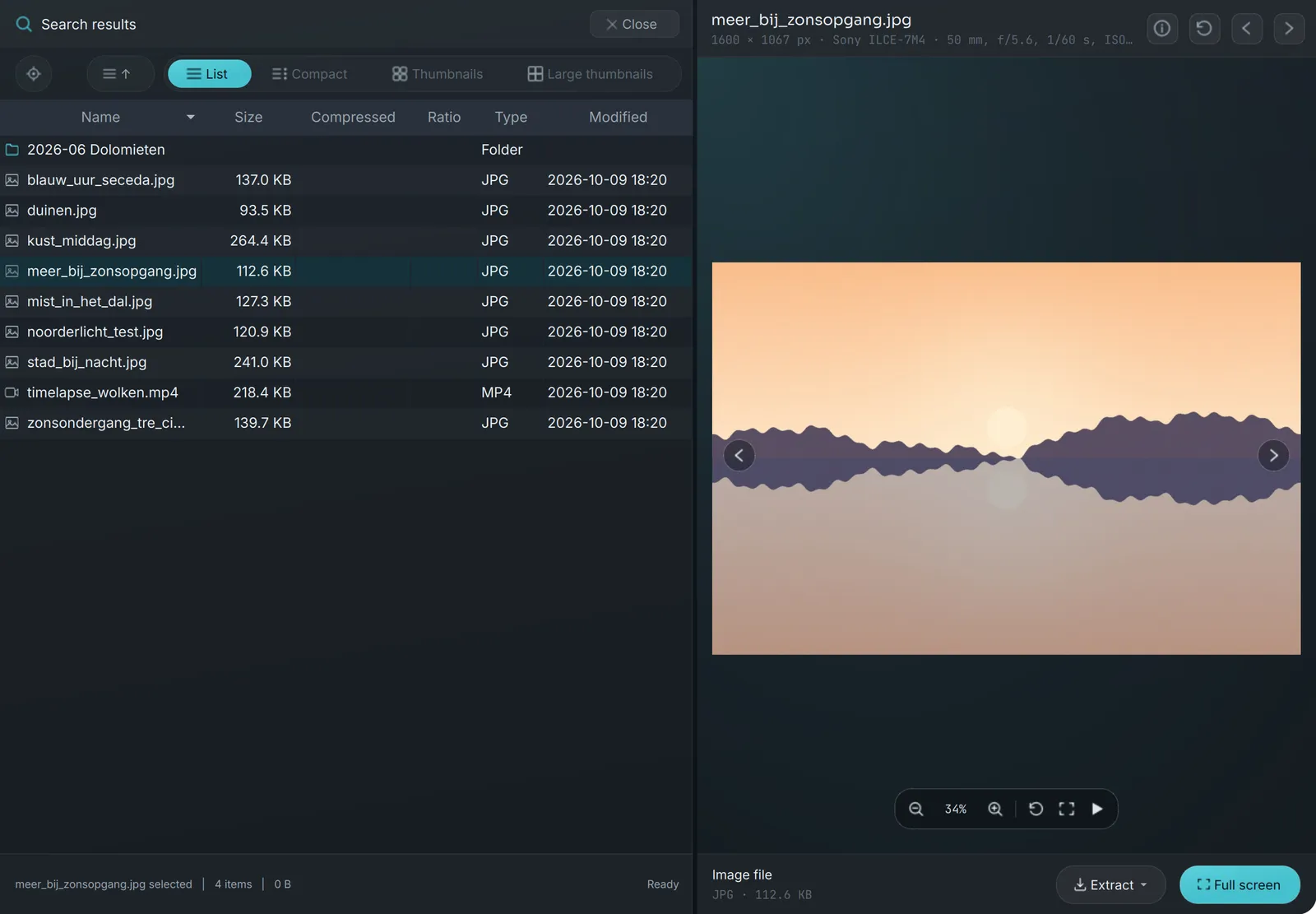
iPhone HEIC included and always upright. Camera RAW and Photoshop files get previews too. Click one to see its size in pixels, the camera and its settings, or start a slideshow.
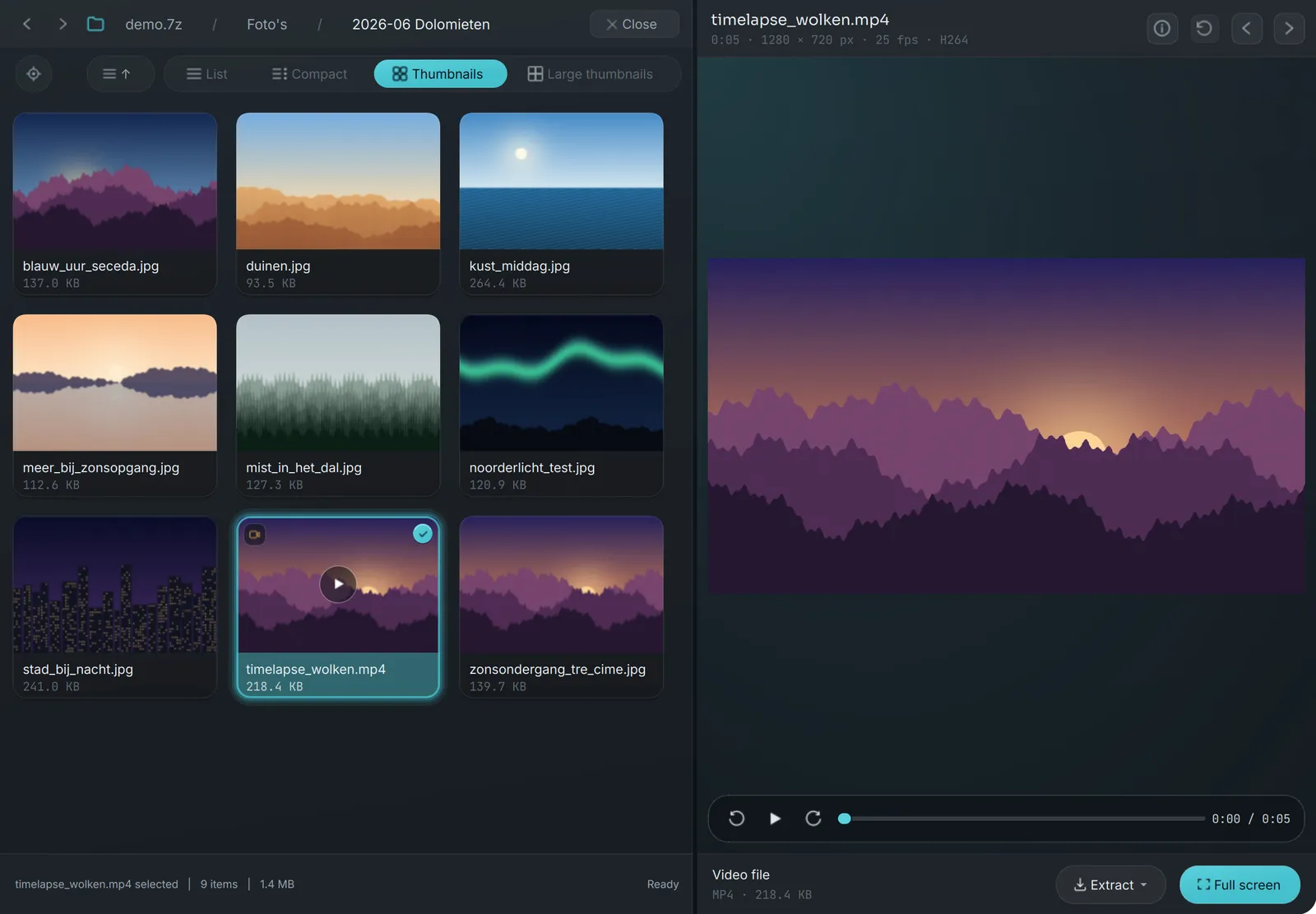
Videos play right away
No player to install and nothing written to disk first. Drag the seek bar, step frame by frame, and play music right in the preview.
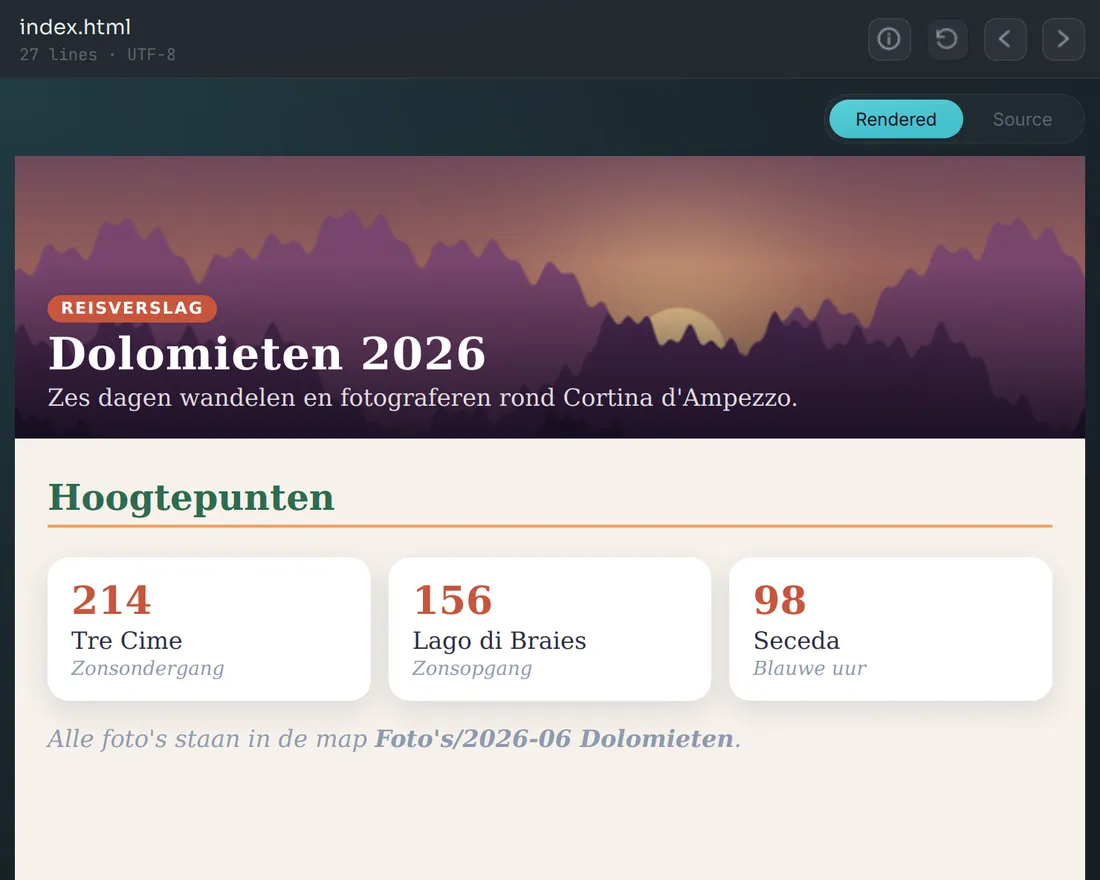
Web pages the way a browser shows them
With their own CSS, images and fonts from the archive. Markdown is shown formatted, PDFs open with their page count and author, and one click shows the text behind any of them.
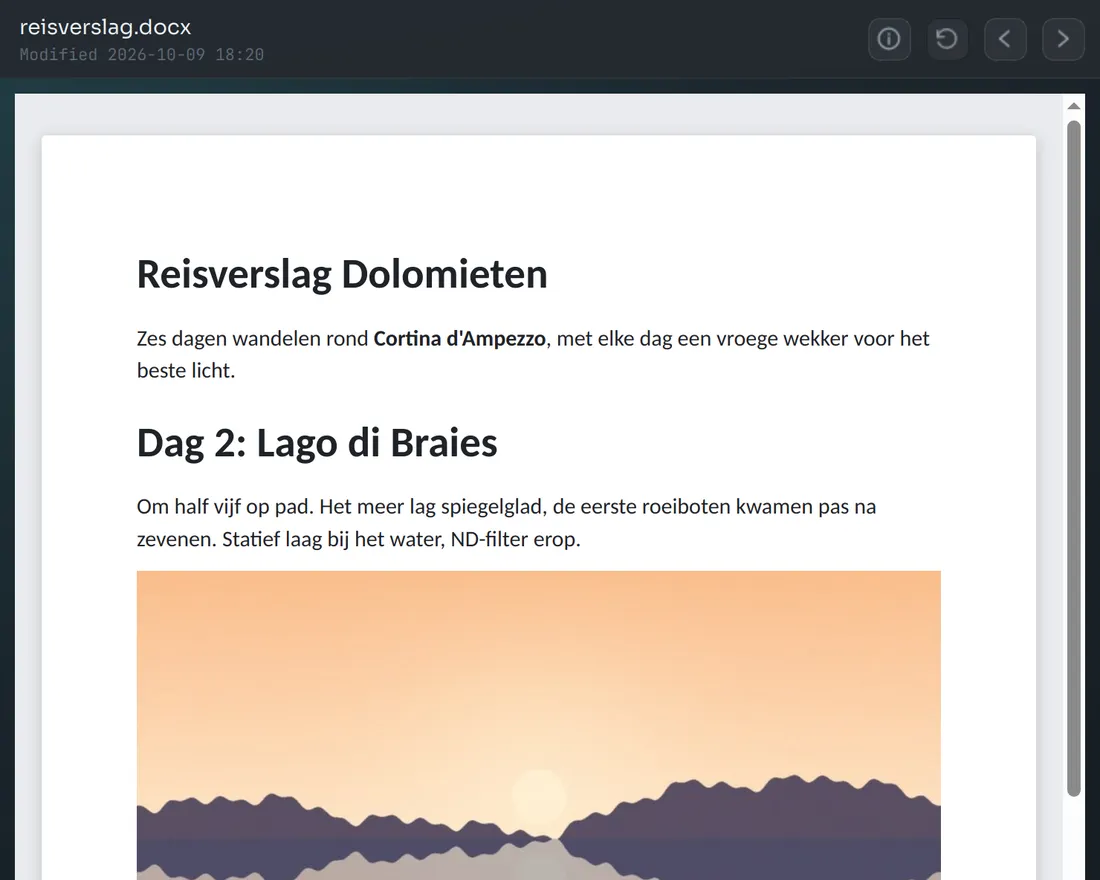
Word documents as a page
Headings, lists, tables and pictures, laid out like the document. No Office needed, and not a single macro is run.
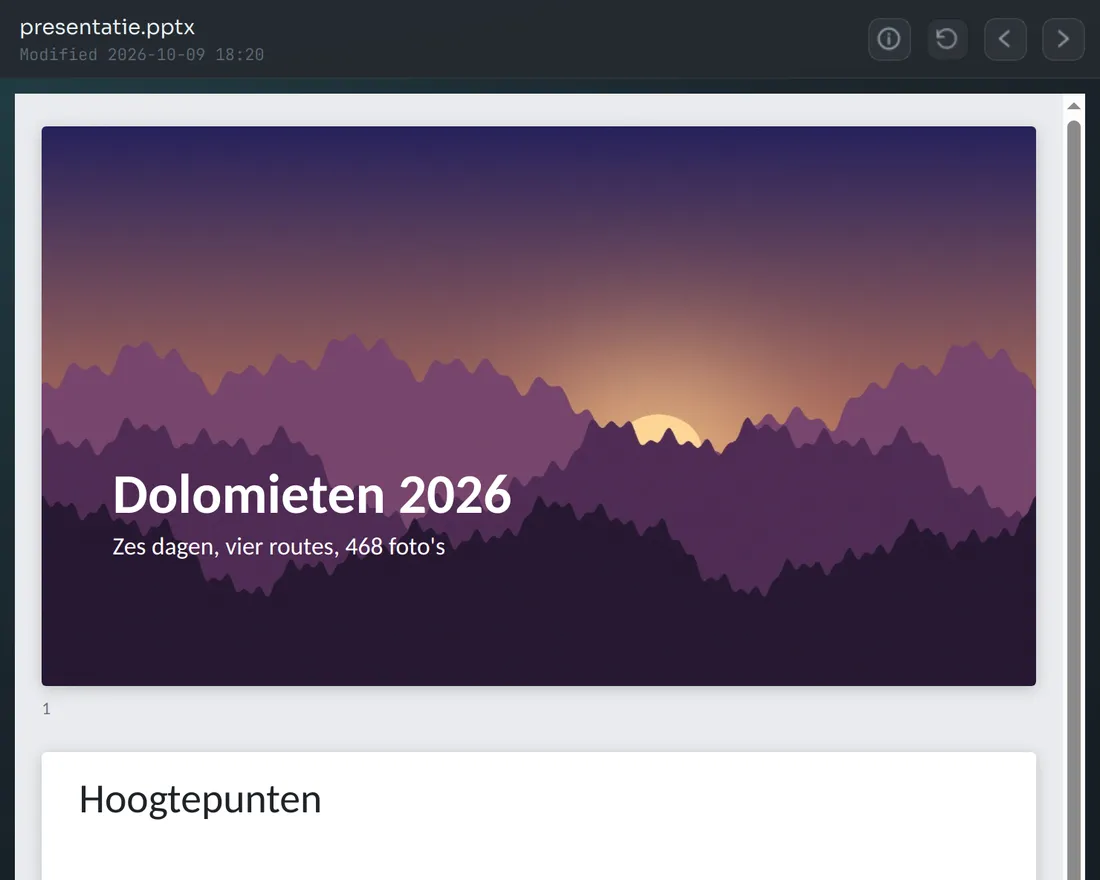
Decks as one card per slide
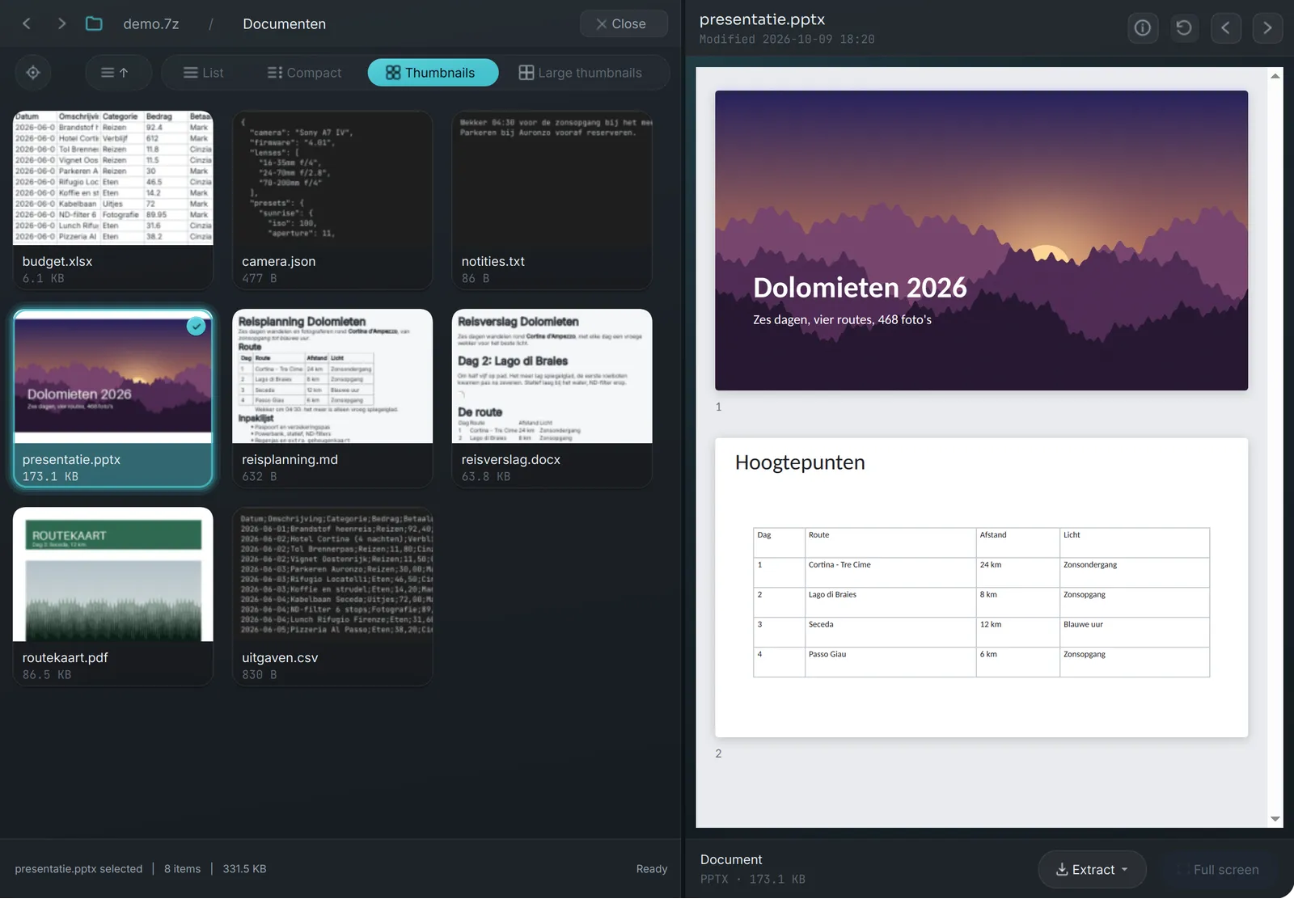
Scroll through a presentation from an old backup without opening PowerPoint. Thumbnails show the picture Office saved with the file.
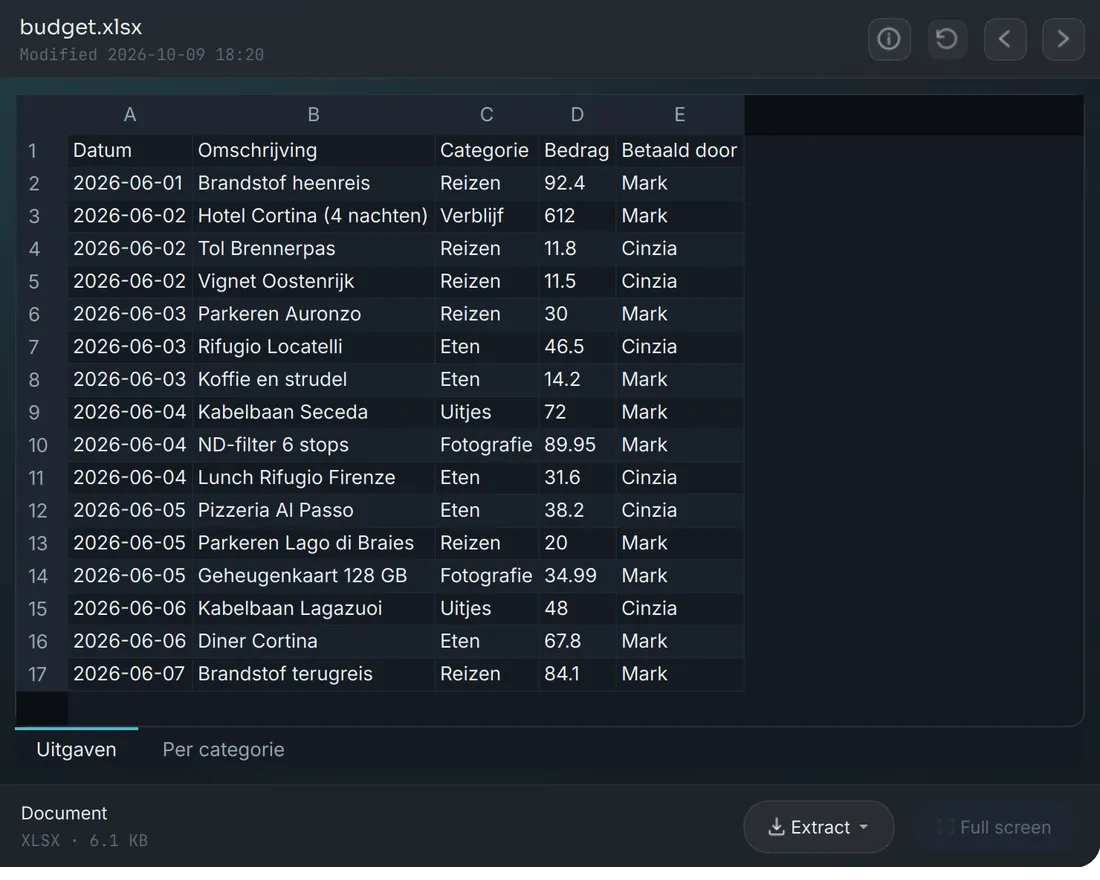
Data at a glance
Excel opens as a table per sheet with the values it last calculated. CSV gets a colour per column. JSON, YAML, TOML and XML look the way they do in a code editor.
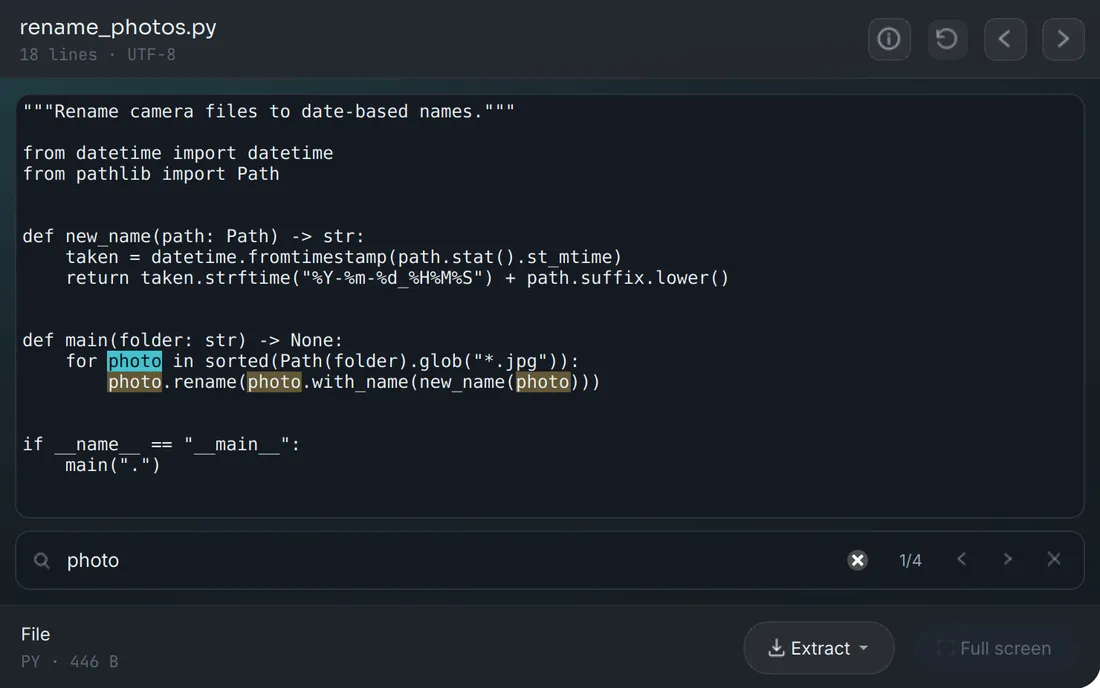
Find a word in any text file
Source code gets syntax colours. Press Ctrl+F to find a word, with every match highlighted. Small text files can be edited right in the preview.
Made for the backup you never unpack
A 50 GB password-protected 7z with a hundred thousand photos. Unpacking all of it to find one picture is not an option, and packing it again to make it faster is not either.
Open it, and keep working
Archives with more than 100,000 files open without freezing. Search the whole archive by name and jump straight to what you find.
Old backups, opened fast
Folders in large solid 7z archives made by 7-Zip open about ten times faster in our tests, without repacking. Archy tells you when part of a 7z is stored uncompressed, so you know why some files open slower.
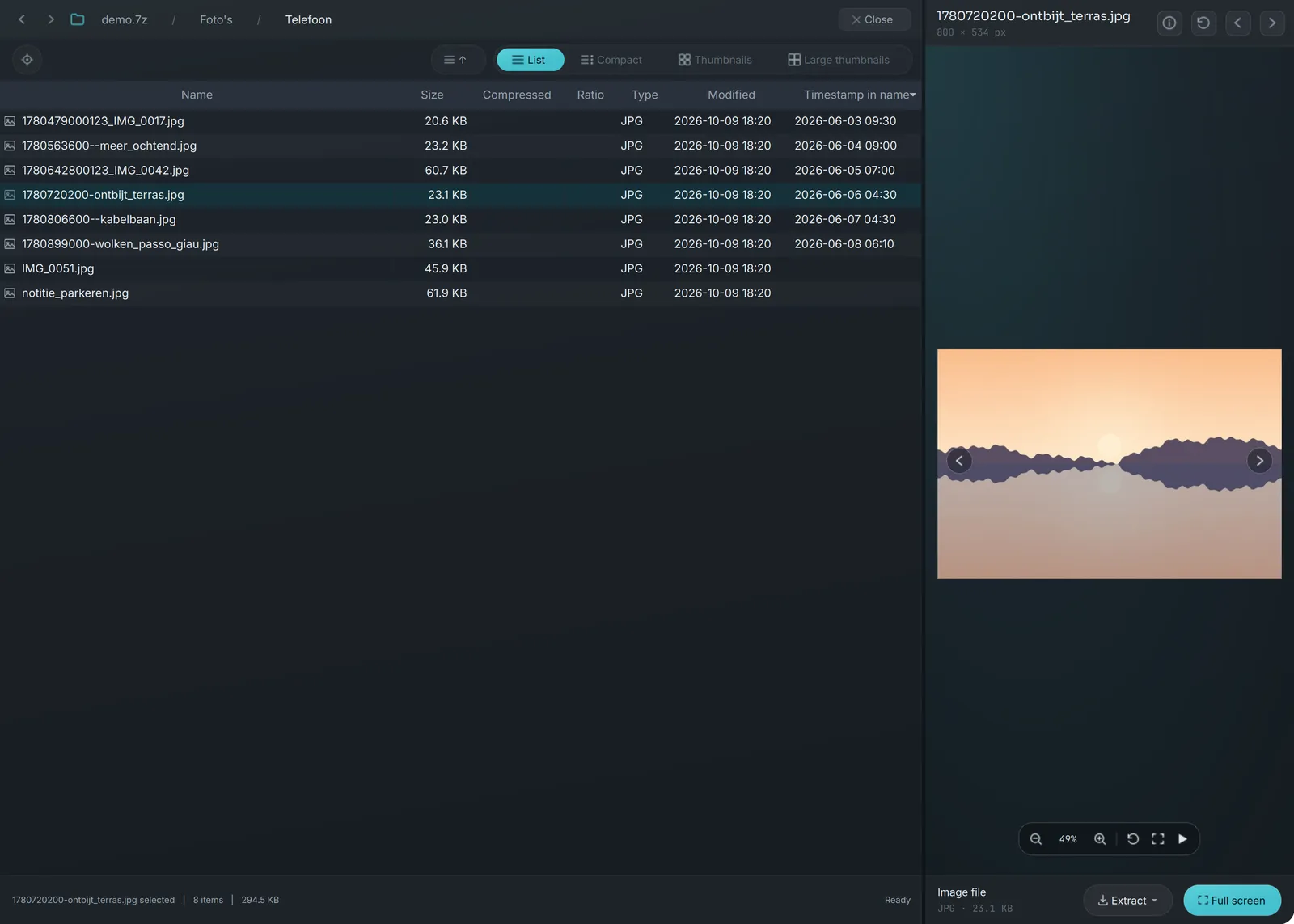
Phone exports in order
Files named after a Unix time, such as
1780720200-breakfast.jpg, sort on that time and show it as a date.Documents you can scan by eye
Reports, slides and PDFs get thumbnails too. Going back up keeps your place in a long folder.
Private by design, careful with your files
- Previews stay in memory
- Thumbnails and previews are made in memory. Files only reach your disk when you extract them or drag them out.
- Passwords are never stored
- Encrypted zip (ZipCrypto, WinZip AES) and 7z (AES-256, also with encrypted file names) open with your password, which is kept in memory only and never saved.
- Nothing loaded from the internet
- No tracking, no account. If you allow it, Archy only asks whether there is a new version.
- Edits that keep your original safe
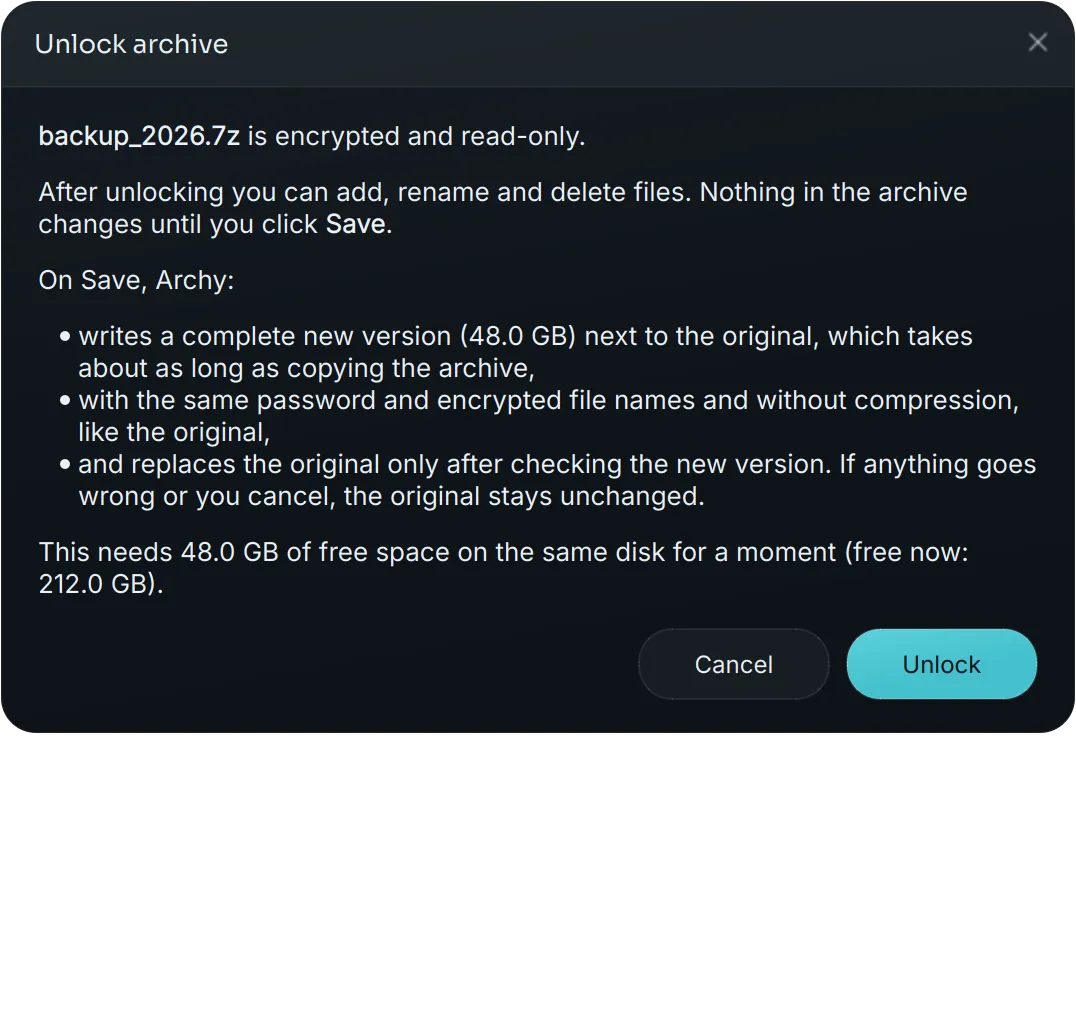
- Add, rename and delete files in zip and 7z. Your original is only replaced after the new version has been written and checked. Encrypted archives open locked, so nothing changes by accident.
Opens
- .zip
- .7z
- .tar
- .tar.gz
- .tar.bz2
- .tar.xz
- .rar
- .iso
- .cpio
- .cab
- .xar
- .ar
The first six work on every system. The rest open when the free libarchive library is installed. Editing works for zip and 7z.
Download Archy 0.3.0
Released . Free, no account, no ads. The apps are not signed yet, so your system asks once before the first start; the release notes say how.
Windows
Your system64-bit installerNot signed yet, so Windows asks once before it runs.
Archy-0.3.0-setup.exeDownload for WindowsmacOS
Your systemApple Silicon, macOS 14 or newerNot signed yet, so macOS asks once before it opens.
Archy-0.3.0-macos-arm64.dmgDownload for macOSLinux
Your systemx86_64 AppImageMake it executable and run it, nothing to install.
Archy-0.3.0-linux-x86_64.AppImageDownload for Linux
Or run it from source
With Python 3.11 or newer, on any system Qt 6 supports.
# get the code and install it in a virtual environment
git clone https://gitlab.com/bytefulminds/archy.git
cd archy
python -m venv .venv
source .venv/bin/activate   # Windows: .venv\Scripts\activate
pip install -e .
archy ~/Backups/photos.7zComing next
These are the plans, in no fixed order. Ideas and requests are welcome in the issue tracker.
Done for the next release
- View a video at 100% and pan around in it
- Save the frame on screen as a full-size PNG next to the video
- Syntax colours for CSS, SCSS and Less
- Long paths fold up so they always fit
Update from inside Archy
Archy already tells you when a new version is out. Next it downloads the update, checks its signature and installs it, when you choose to.
Create new archives
Make a new zip or 7z right in Archy, with or without a password, and drop files into it.
Faster saves for compressed 7z
Compress on several processor cores at once, so larger encrypted 7z backups can be unlocked for editing too.
Sort by date taken, rating and camera
Find the photo you mean in a big backup by when it was taken or what took it.
Older Office files
Previews of .doc, .xls and .ppt, next to the Word, Excel and PowerPoint previews you already have.
Rar on Windows out of the box
Open rar archives on Windows without installing a separate library.
More languages
Archy speaks English and Dutch. German, Polish, Russian and others are welcome: translating takes one file.
Open source, built in the open
Archy is MIT licensed and written in Python with Qt 6 (PySide6). Every release is built by CI from the public repository on GitLab.
- Report a bug or ask for a feature
Tell what you expected and what happened, with your system and Archy version.
- Add a language
The interface is one file of text per language. English and Dutch are there; yours could be next.
- Read how it works
The architecture guide explains the layers, the archive backends and how previews stay in memory.
- Read the manual
Everything Archy can do, keyboard shortcuts, settings and tips for large 7z backups.
Questions
What is Archy?
Archy is a free, open-source desktop app that opens archive files (zip, 7z, tar and more) and shows what is inside as if it were a normal folder. You can see photos as thumbnails, play videos, read documents and spreadsheets, and copy out only the files you need. Nothing you look at is unpacked to your disk.
Is Archy free?
Yes. Archy is open source under the MIT license, made by Bytefulminds. There are no paid tiers, no accounts and no ads, and every feature is free for everyone. If you like Archy and want to support its development, you can buy me a coffee on Ko-fi. That is never a must.
Which archive formats does Archy open?
zip (including ZipCrypto and WinZip AES encryption), 7z (including AES-256 with encrypted file names) and tar, tar.gz, tar.bz2 and tar.xz work on every platform. With the libarchive library installed, Archy also reads rar, iso, cpio, cab, xar and ar.
Can Archy open password-protected archives?
Yes. Archy opens encrypted zip and 7z archives, including 7z archives with encrypted file names. Passwords are kept in memory only and never stored. Encrypted archives open locked so nothing changes by accident; an encrypted zip, a 7z made with Store, and a compressed 7z of up to 1 GB can be unlocked for editing and stay encrypted with the same password.
Does Archy unpack files to my disk to show them?
No. Previews and thumbnails are made in memory. Only when you choose to extract or drag files out are they written to disk. For folders too large for memory there is an optional temporary files mode, off by default and always encrypted with a key that only lives for the session.
Can I edit an archive with Archy?
Yes, for zip and 7z. Add, rename and delete files and edit small text files right in the preview. Your original is only replaced after the new version has been written and checked.
Which file types can Archy preview?
Photos including iPhone HEIC, camera RAW and Photoshop files, videos and music, PDFs, web pages with their own CSS and images, Markdown, Word documents, PowerPoint decks, Excel workbooks, CSV, JSON, YAML, TOML, XML and source code with syntax colours. Macros in Office files are never run.
Is Archy fast with very large backups?
It was built for them: a 50 GB encrypted 7z with a hundred thousand photos is the kind of archive Archy is made for. Archives with more than 100,000 files open without freezing, and folders in large solid 7z archives made by 7-Zip open much faster than a plain unpack, without repacking the archive.
Does Archy send any data?
Archy loads nothing from the internet. If you allow it, it only asks GitLab whether a newer version exists, sending its own version number and your operating system, and tells you about it.
Which systems does Archy run on?
Windows (installer), macOS on Apple Silicon with macOS 14 or newer (disk image) and Linux x86_64 (AppImage). It also runs from source on anything with Python 3.11 or newer.